Logging in to the Tenant Portal
Logging in to the Tenant Portal
To log in to the Tenant Portal
- Visit Edge Cloud’s Tenant Portal https://cbu1.edgecloud.com.ph:8800.
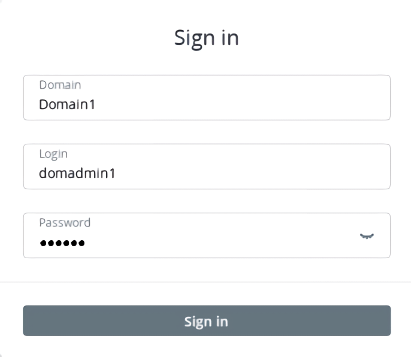
- Enter your domain name (case sensitive) as well as user name and password. Alternatively, if you are given the link to the tenant portal for a specific domain, you will only need to provide the user name and password
- If 2FA is configured, enter the one-time verification code from your authenticator app.