Managing compute resources > Managing volumes > Creating and deleting volumes
Creating and deleting volumes
Limitations
- A volume is removed along with all of its snapshots.
To create a volume
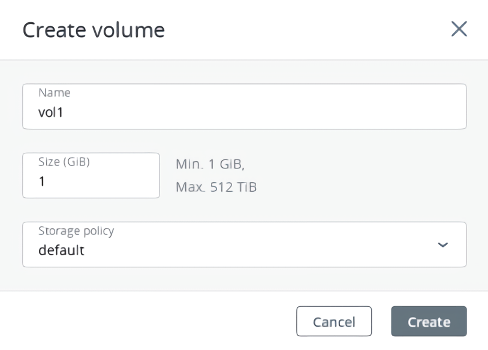
- On the Volumes screen, click Create volume.
- In the Create volume window, specify a volume name and size in gigabytes, select a storage policy, and then click Create.
To remove a volume
- On the Volumes tab, check the status of the volume you want to remove.
- If the status is “In use”, click the volume, and then click Force detach on the volume right pane.
- If the status is “Available”, click the volume, and then click Delete on the volume right pane.
- If the volume has recovery points, you can delete them along with the volume:
- Select Delete recovery points.
- Enter “Delete” for confirmation.
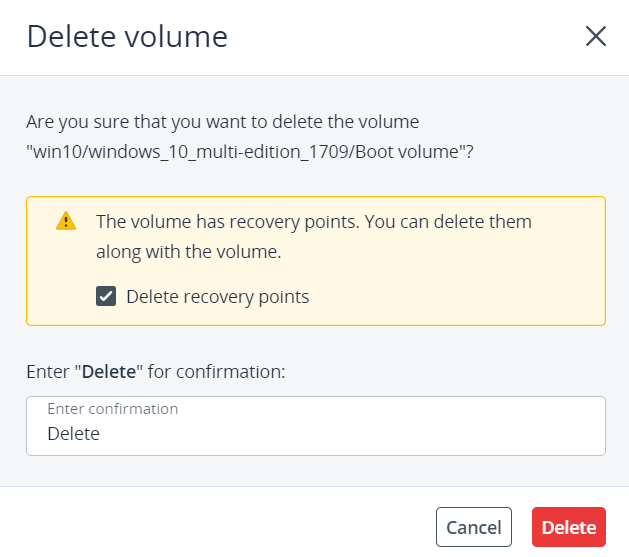
5. Click Delete in the confirmation window.